Photoreal vs cartoon AI on iPhone
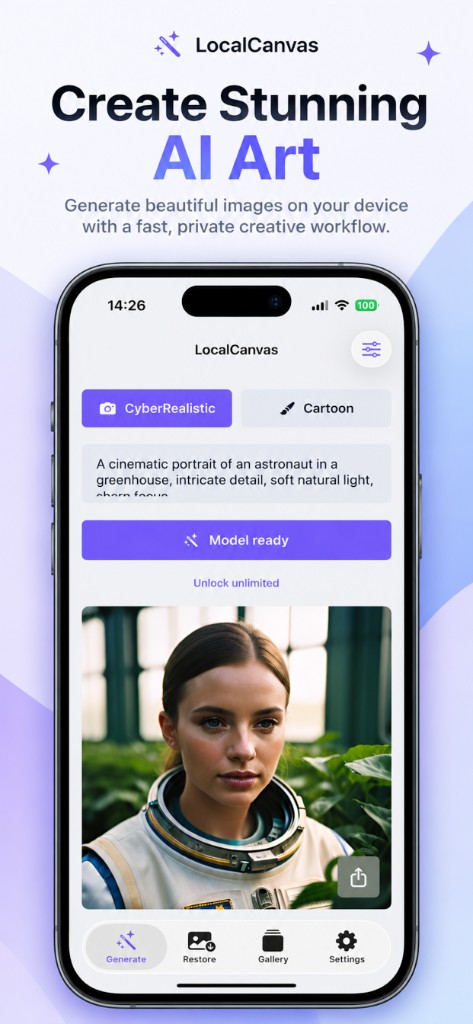
Generate has two pills. CyberRealistic is the camera studio. Cartoon is the brush studio. They share the prompt box and they keep separate daily free slots.
 Local Canvas
Generate has two pills. CyberRealistic is the camera studio. Cartoon is the brush studio. They share the prompt box and they keep separate daily free slots.
Use it for portraits, streets, still life, posters, and wallpapers that should read like a photograph. The listing shot uses a cinematic astronaut in a greenhouse because the model handles faces and indoor plants without a cloud upscaler.
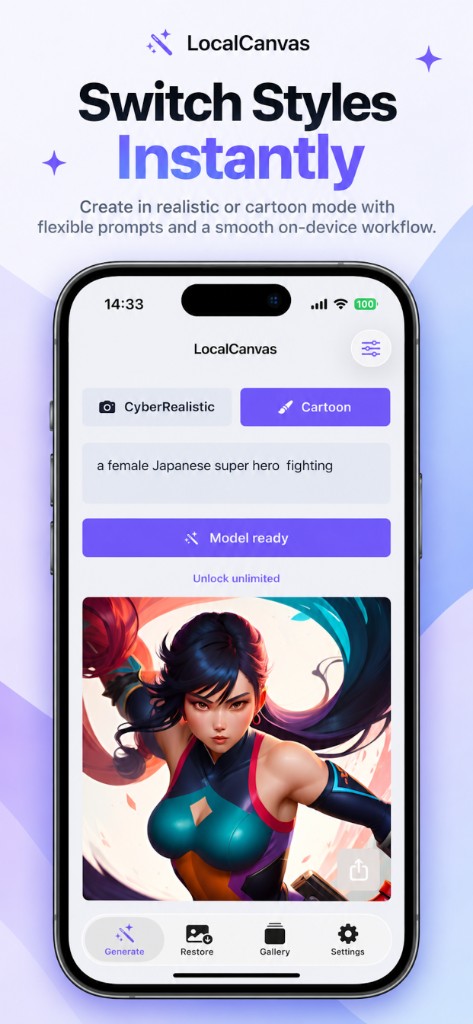
Cartoon is built for stylised 3D, storybook colour, and clean character work. The second listing shot uses a short superhero line and returns an anime-style figure in a teal suit.
You install this model separately. It does not steal the CyberRealistic daily slot.
Tap the pill, wait for Model ready if the files are still coming down, then generate. The last chosen style survives a relaunch.
No. Each run uses the selected model. Save both if you want a pair.
Start with the look you care about. Many people install CyberRealistic first, then Cartoon when they want characters.