What offline actually means here
The first launch still needs a network to pull the Core ML files. Those files are large. CyberRealistic is about 0.96 GB. Cartoon is about 0.89 GB. The phone also needs headroom for Apple’s compile cache.
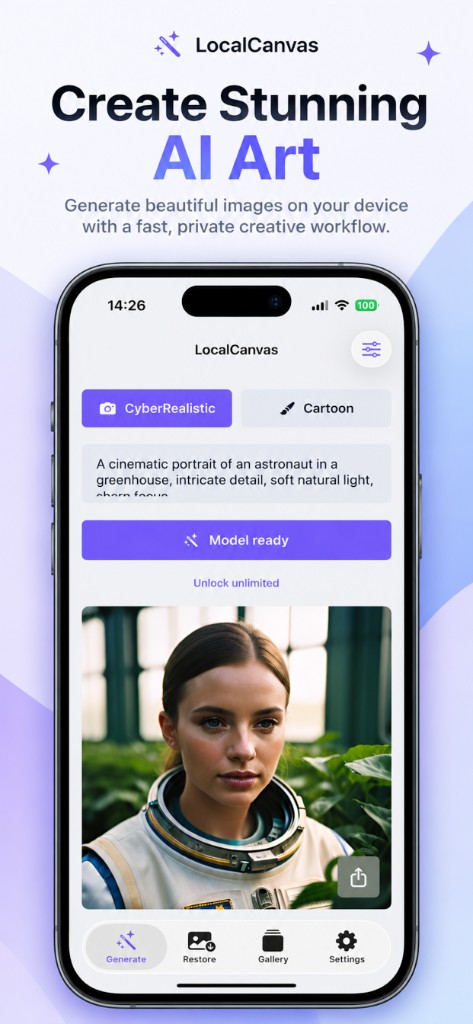
Once the button says Model ready, inference uses the Neural Engine on this iPhone. A later flight or a dead hotel Wi-Fi does not block a new prompt.
Write a prompt that the on-device model can chew
The photoreal studio likes a concrete subject and light. The astronaut-in-a-greenhouse line on the listing screenshot is the default because it names a person, a place, and the light.
Keep sexual and nude requests out. The app filters prompts on device and can discard a save that fails Apple’s Sensitive Content Analysis.
Free slots and what counts
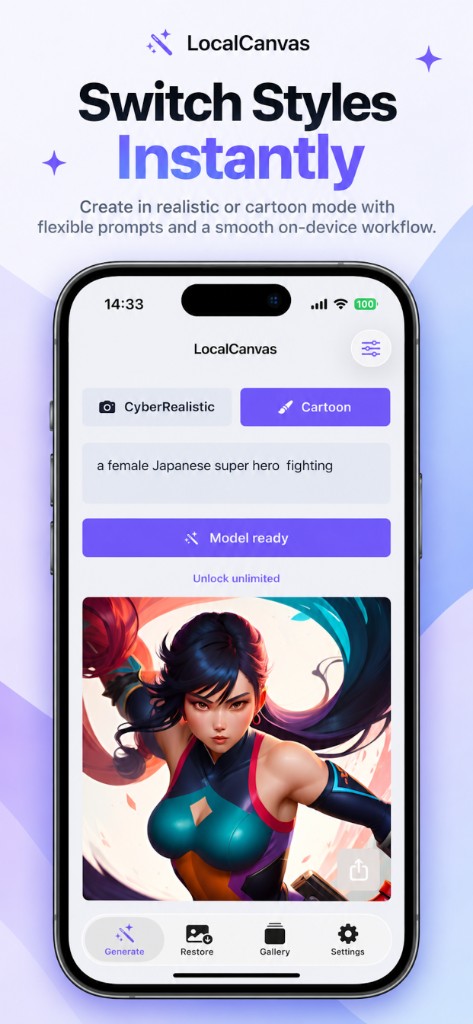
A free day gives one successful CyberRealistic save and one successful Cartoon save. Closing a failed run does not spend the slot. Premium lifts the cap.
Run it on the phone you already haveLocal Canvas is built for iOS 17. Newer iPhones finish a job faster.
See the app
Questions on this task
Does offline mode work before the model download?
No. Install the model first. After Model ready, the generator does not need a network.
What size is the saved file?
A 1024 × 1024 PNG. Native inference is 512 × 512, then an on-device Real-ESRGAN pass doubles it.
Related guides
 Local Canvas