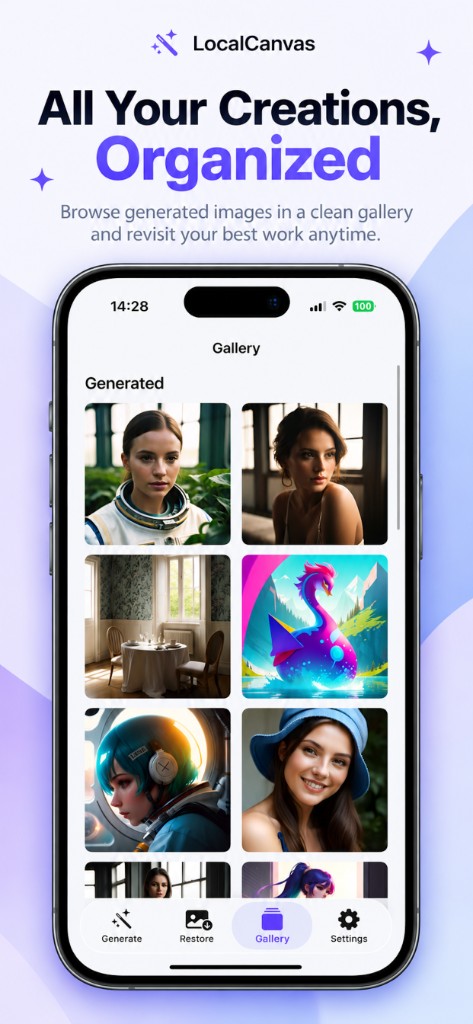
Local Canvas Gallery tab with a two-column grid of generated images under Generated

Guides

A private AI image generator that does not upload your work

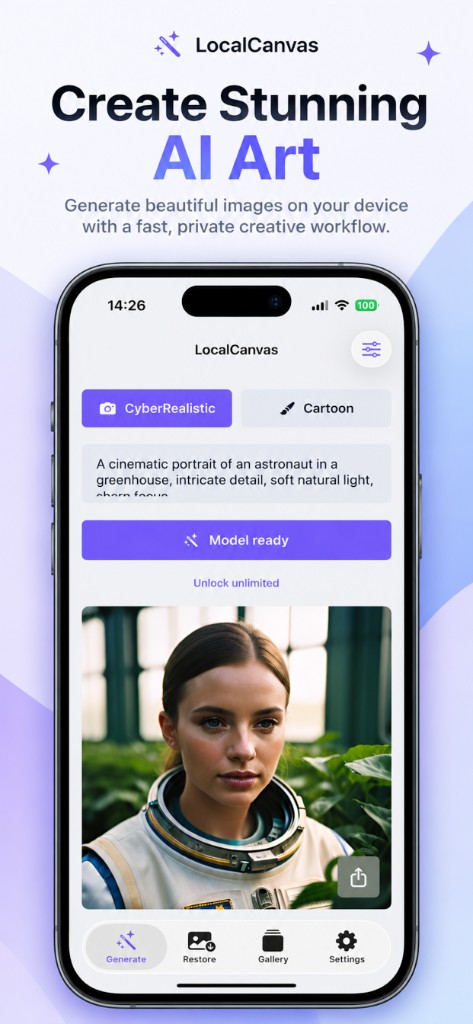
If the worry is a cloud lab training on your family photos or your prompts, this app is built the other way. Generation and restore run on device. Local Canvas does not take those bytes onto its own server.
What stays on the phone

Prompts, generated images, restored photos, and the model files live in the app container. The Gallery tab is a local grid, not a synced website.

Local Canvas Gallery tab with a two-column grid of generated images under Generated
Generated images in a two-column grid on the device.

What still uses the network

Model install pulls public weights from Hugging Face. That traffic is model files, not your prompt.

Free use may load Google AdMob. Ads can use a tracking identifier if you allow App Tracking. Prompts, photos, and generated images are not sent to AdMob.

Read the policy we ship in the app

The same Privacy Policy is on this site so App Store Connect can link it.

Privacy Policy

Questions on this task

Is this the same as Lockdown Mode privacy?

No. It means generation is local and Local Canvas does not host your files. iOS privacy features still apply as Apple documents them.

Do I need to allow tracking?

No. Ads may be less relevant. Generation still works.

Related guides