 Local Canvas
Guides
On-device generation, colorize, scratch repair, and what stays on the phone.
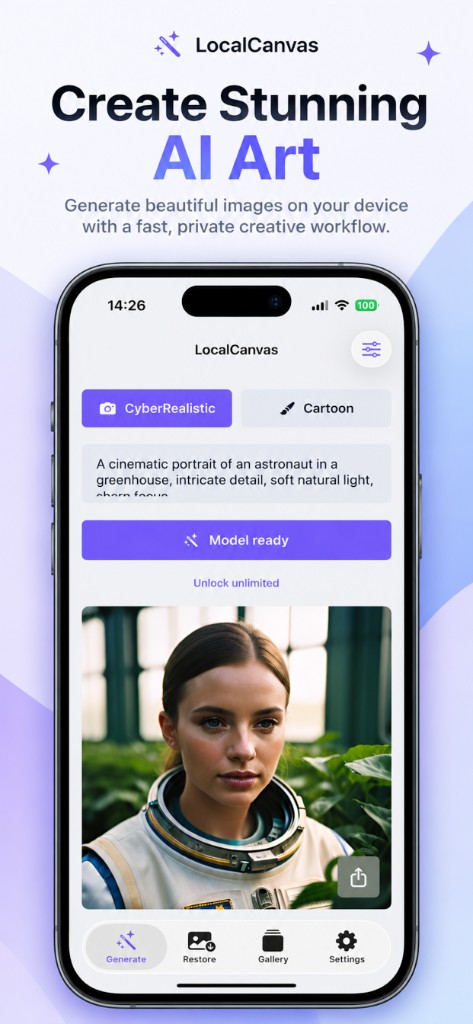
How to generate AI images offline on iPhone
Install the on-device model once, then write a prompt and save a 1024 × 1024 image with no network.
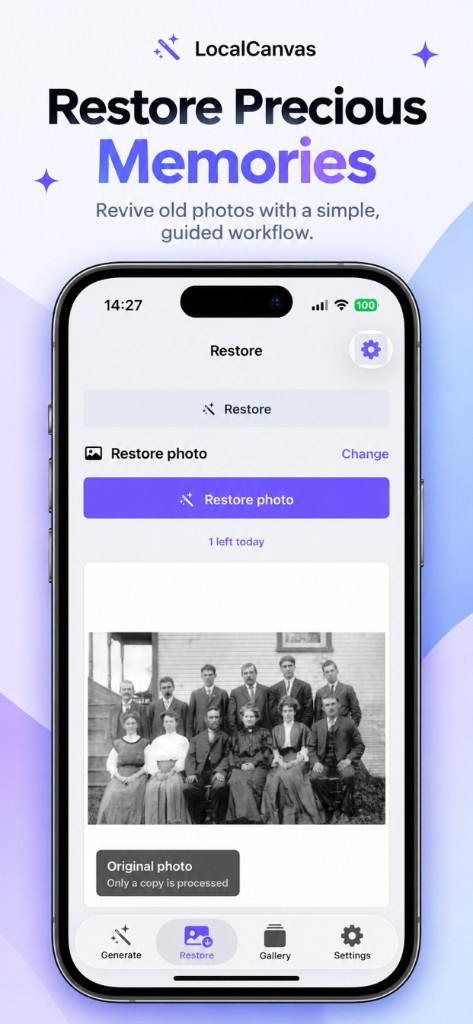
How to colorize old photos on iPhone
Colorize a black-and-white print on device. Local Canvas processes a copy and leaves the Photos original alone.
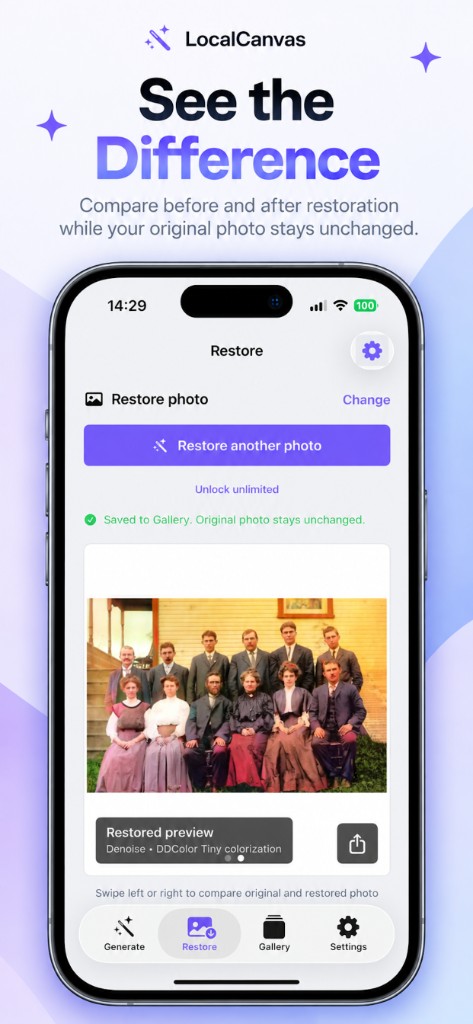
How to restore scratched photos on iPhone
Mend scratches and soften noise on a copy of an old print, then swipe to compare before you save.
On-device AI art without an account
Make photoreal or cartoon images on iPhone with no login, no tokens, and no Local Canvas account.
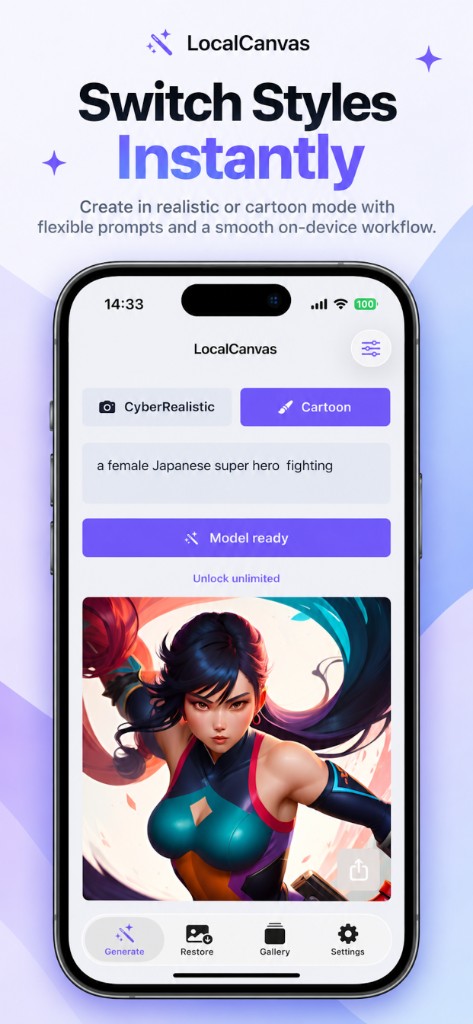
Photoreal vs cartoon AI on iPhone
CyberRealistic makes photograph-style images. Cartoon is a second on-device model for stylised characters. Switch them on Generate.
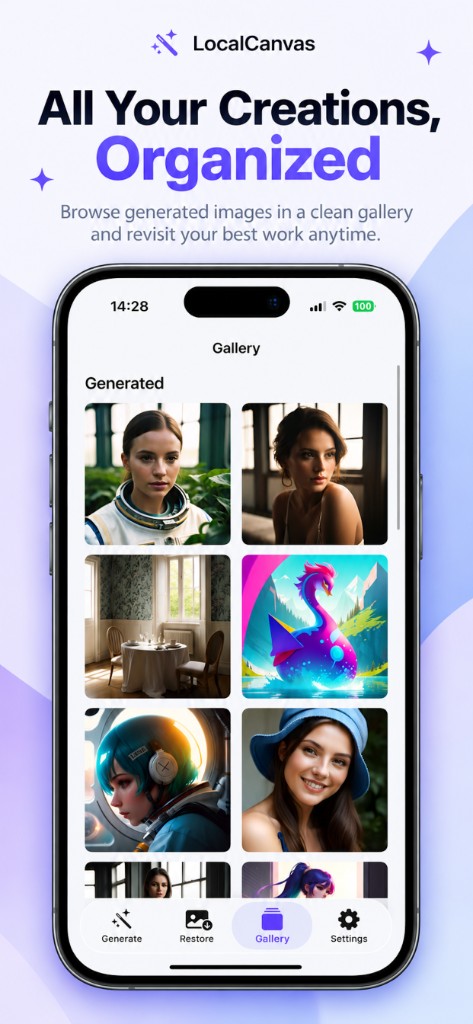
A private AI image generator that does not upload your work
Local Canvas keeps prompts, photos, and results on this iPhone. There is no Local Canvas generation server.
How to colorize black and white family photos
Bring a group portrait or a kitchen snapshot into colour on iPhone, then swipe to check faces before you save.