 Local Canvas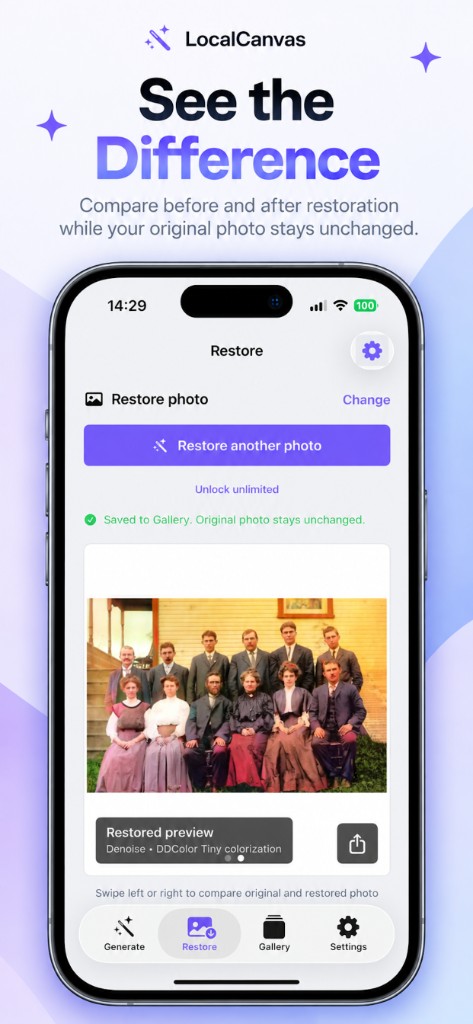
How to colorize black and white family photos
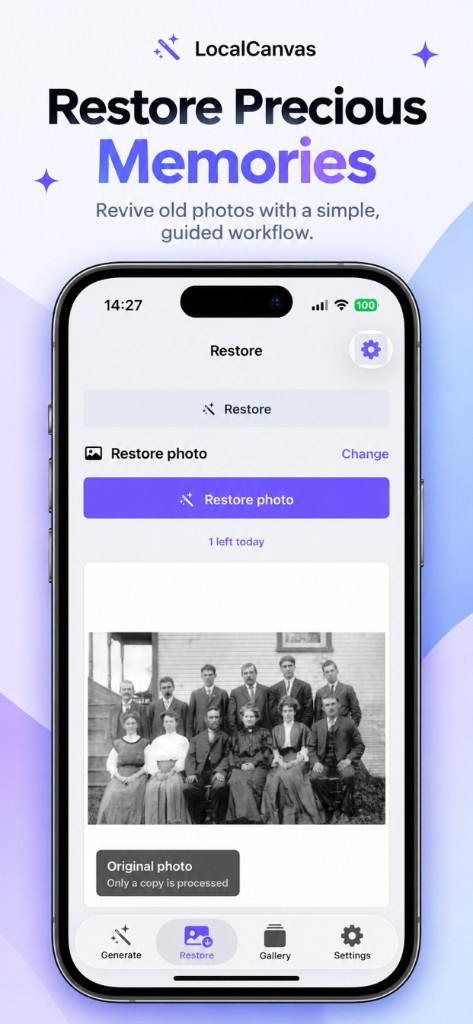
A boxed print of twelve relatives on a porch is the case Restore was built for. Colorize the copy, denoise if the scan is sandy, and swipe until you trust the faces.
Colorize a family print
- Photograph the print in even light or import a flat scan.
- Open Restore and select that image.
- Keep Colorize on. Turn on Denoise for grainy paper.
- Run the job and swipe between Original photo and Restored preview.
- Save to Gallery. Send the new file, not the library original, if you want to keep both.