1. Install a studio
CyberRealistic or Cartoon for Generate. Restore pulls its own colorize and repair files. Wait for Model ready.
 Local Canvas
Private studio
Write a sentence for a photograph or a cartoon. Or hand the Restore tab an old print. The models run on this iPhone. After they download, the studio keeps working without a network.
Free on the App Store when the listing goes live. One photoreal job, one cartoon job, and one restore each day. Premium is optional.
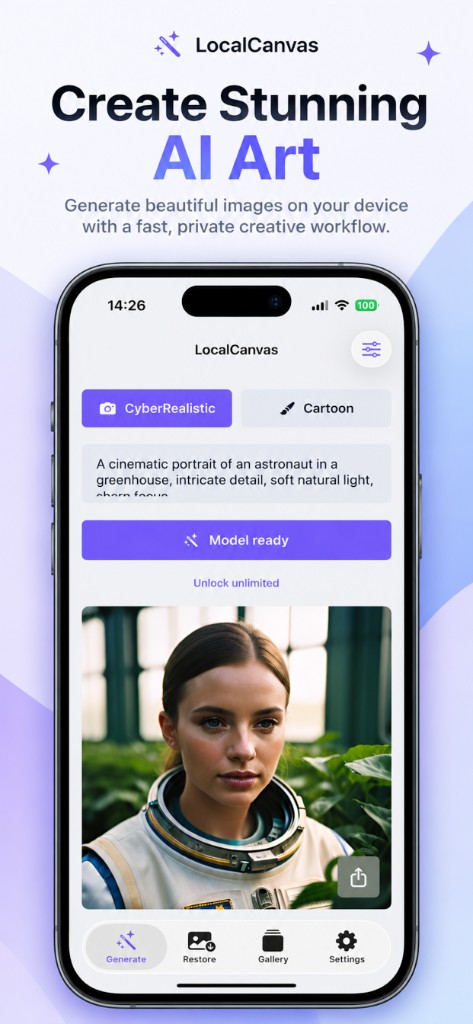
Photoreal, cartoon, and restore. The screens below are the ones we submitted with the listing.
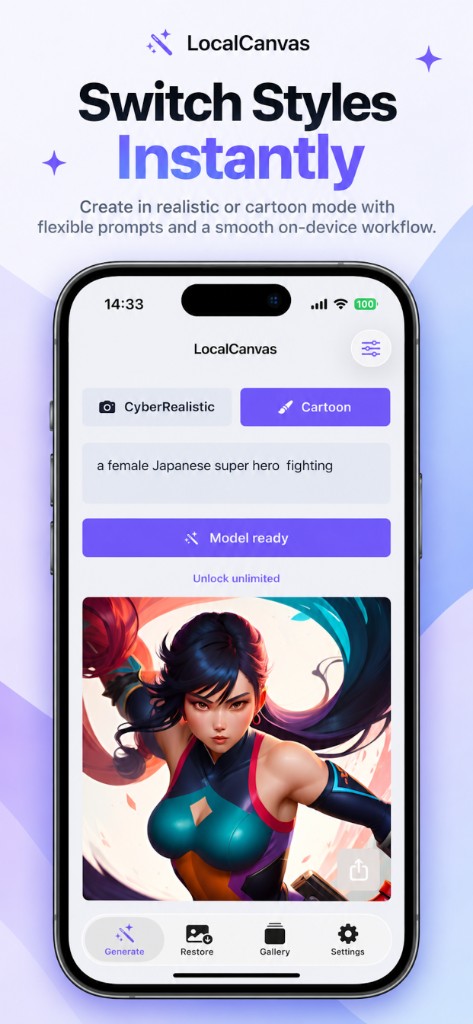
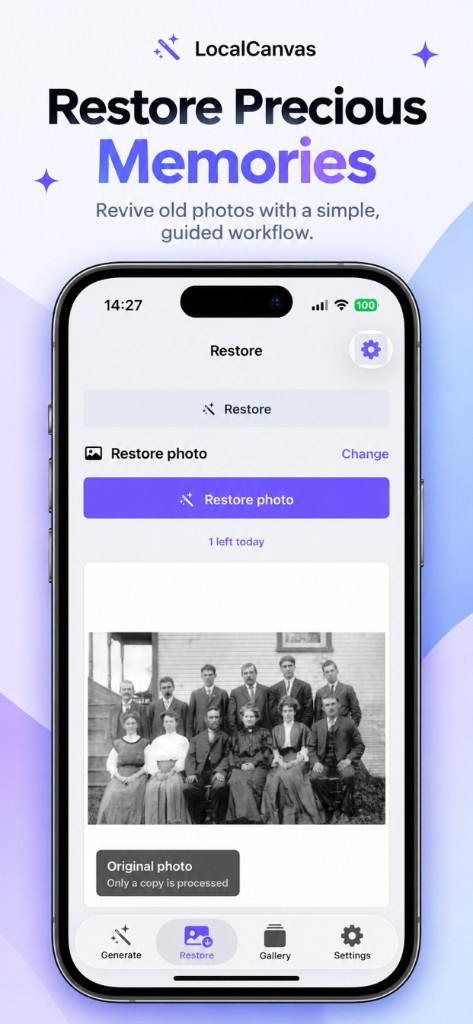
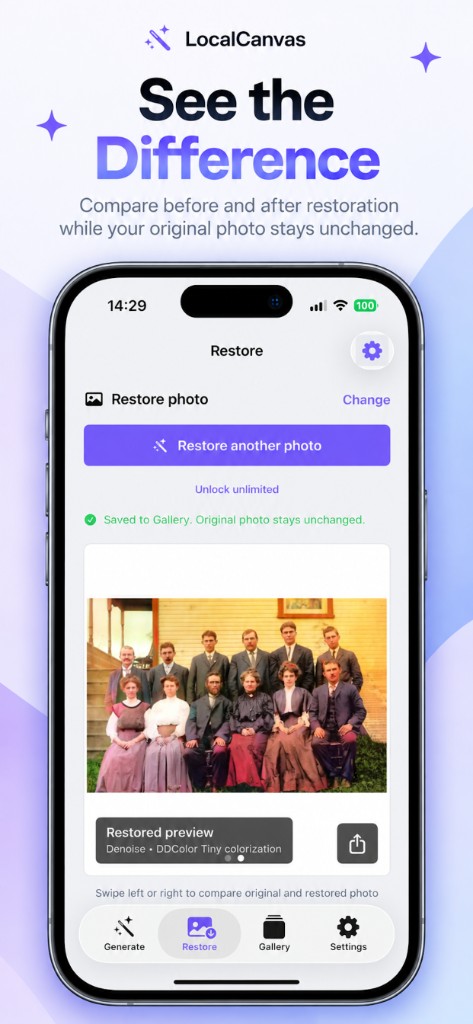
Download the model once. After that the job stays on the phone.
CyberRealistic or Cartoon for Generate. Restore pulls its own colorize and repair files. Wait for Model ready.
A sentence for photoreal or cartoon. A photo for Restore. The original in Photos is never overwritten.
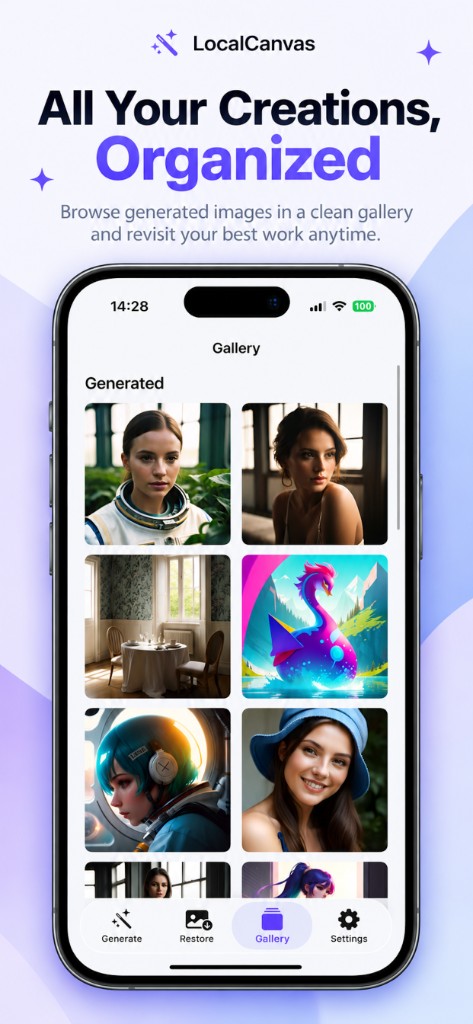
A successful save spends one free slot for that studio that day. Gallery keeps the file on device.
No generation server. A later dead network does not block a ready model.
No login and no token wallet. Sharing is a step you take.
One photoreal, one cartoon, one restore per day. Premium drops the cap and the ads.
Short answers for the jobs people actually search.
Install the on-device model once, then write a prompt and save a 1024 × 1024 image with no network.
Colorize a black-and-white print on device. Local Canvas processes a copy and leaves the Photos original alone.
Mend scratches and soften noise on a copy of an old print, then swipe to compare before you save.
Make photoreal or cartoon images on iPhone with no login, no tokens, and no Local Canvas account.
CyberRealistic makes photograph-style images. Cartoon is a second on-device model for stylised characters. Switch them on Generate.
Local Canvas keeps prompts, photos, and results on this iPhone. There is no Local Canvas generation server.
Bring a group portrait or a kitchen snapshot into colour on iPhone, then swipe to check faces before you save.
Yes, after the models finish downloading. Local Canvas runs generation on the phone. Open a prompt on a plane and you still get a 1024 × 1024 save if the model is already installed.
Use Restore. Pick a photo. The app reads a copy, colorizes on device, and leaves the original in Photos. Nothing goes to a Local Canvas server.
Restore can mend scratches and soften noise on a copy of the print you pick. The saved file lands in Gallery. The library original is not overwritten.
No. There is no sign-in. Prompts, photos, and results stay in the app container on this iPhone.
CyberRealistic is the photoreal studio: portraits, streets, still life. Cartoon is a second model for stylised characters and painted colour. You switch them on the Generate tab.
Local Canvas does not upload prompts, photos, or generated images to its own servers. Free use may show Google ads. Those ads do not receive your prompts or pictures.
Open Restore, choose the scan or snapshot, run colorize (and denoise if the print is grainy), then swipe to compare. Save writes a new file.
The app is free with a daily cap: one saved photoreal image, one saved cartoon, and one saved restore. Premium removes the cap and the ads. Weekly auto-renews. Lifetime does not.
Photoreal, cartoon, and old prints. Nothing uploaded to a Local Canvas server.